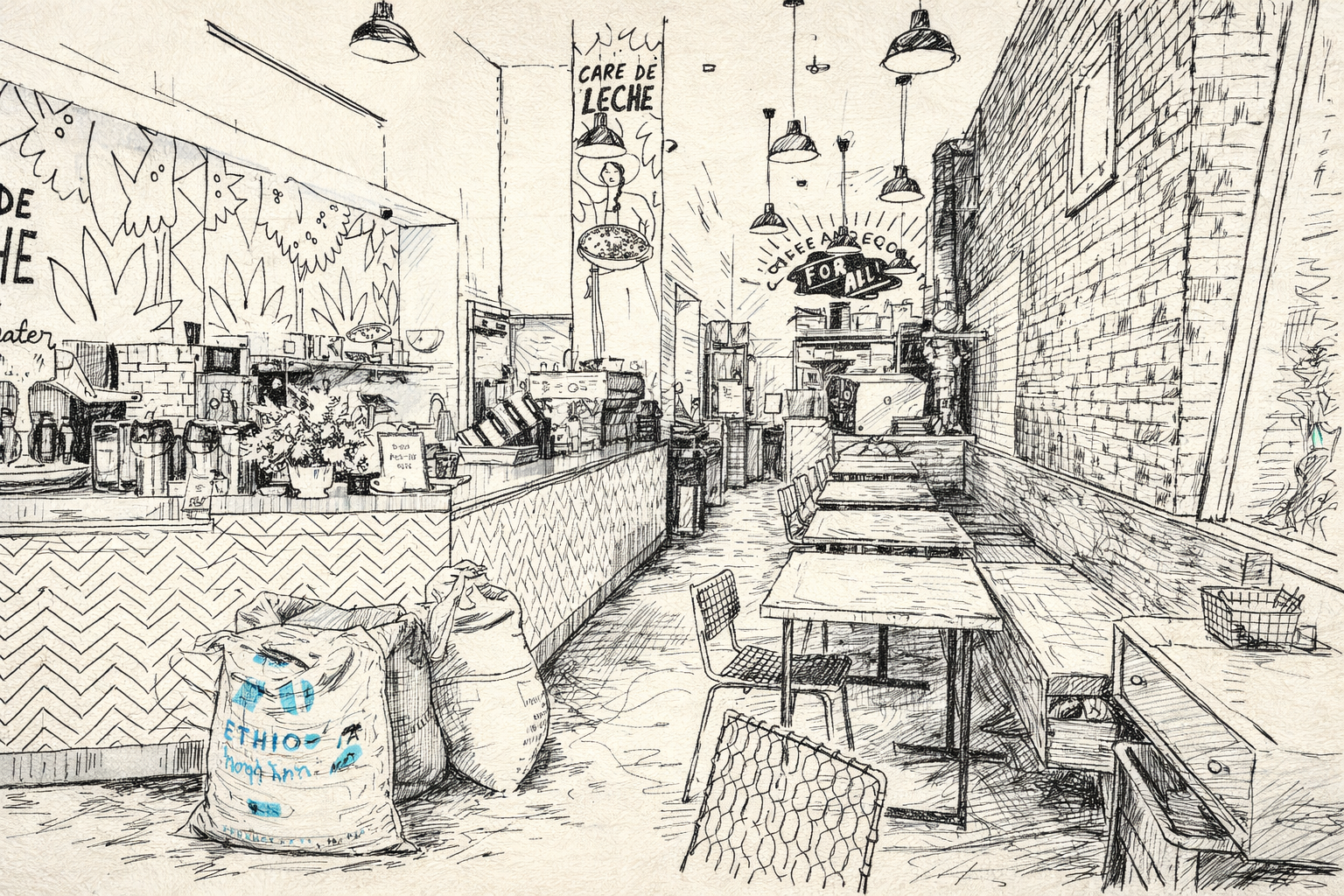
 Cafe De Leche, Los Angeles, CA
Migrating to an AI-Friendly Blog Stack

From Hugo to Framer to Docusaurus in a month.
I was recently inspired by Eric Ma's blog post about writing a blog post every week for two years straight. I don't expect anyone to be eager to read what I have to write. But seeing Eric post consistently about AI reminded me that despite AI still being so experimental, it's increasingly hard to find content about half-baked experiments, or even better, failures. LinkedIn is more filtered than ever. If anything, I hope to at least document some of the unsuccessful things I've tried.
As someone who codes, I've always leaned towards static site builders that let me write blogs in Markdown. My last personal website was on Hugo, and it worked fine until the theme I was using became unmaintained. It had issues with newer Hugo versions and I couldn't even make simple updates.
So I decided to try something different. I'd always wanted to experiment with Framer. Less code, more visual editing, maybe I'd actually write more content instead of tinkering with configs. I was doing things fine inside the Framer app but eventually needed a way to transfer my old blogs over. Using the UI would have taken forever as I'd need to copy everything to the Framer CMS. This inspired me to try the Framer MCP. As an AI engineer who has worked on MCP servers, I wanted to see other implementations. This one was genuinely cool to see in action. I was able to use Claude Desktop to scrape all of my old blogs and input them into the Framer CMS with just one prompt. It felt great just editing content from Claude Desktop.
But I read two posts that changed my mind again. First was Prefect's Rebuilding Our Website for the Agent Era, the post it references about Cursor.com's migration off their CMS, back to markdown, arguing that abstractions have never been more expensive when working with AI agents.
I agreed with this. The Framer CMS did leave a lot to be desired, and I wanted Claude Code to be able to edit my blog posts directly. No CMS layer, no API calls, no logging into a separate system. Just markdown files in a git repo. I would be able to draft a post on my phone (using Happy), push it, and have it live. Or I can tell Claude Code to fix a typo and it just does it. I can also use Claude Code Skills to generate thumbnails attached to each post.
So I migrated again. This time to Docusaurus, which is what I should have done from the start. It's markdown-based, actively maintained, and deploys free on Render. No more paying for Framer. The migration itself was straightforward. Claude Code handled most of the heavy lifting with the Framer MCP again. I realize how MCP support also makes it easier to migrate off of things. I got a lot of inspiration from the website of Didier Lopes. It makes the Docusaurus theme really work. I'm not entirely happy with the themes out there, but I suppose it's way easier to modify things with Claude Code rather than on Framer. Even if the Framer MCP exists, there are some limitations. For example, it can't add a new page. You need to add it manually on the app before the MCP can modify it.
Working on the website has also been a lot easier using the Playwright MCP. It lets Claude Code control a browser directly - navigating pages, clicking elements, filling forms, and taking screenshots. This is useful for testing my blog after making changes. I can ask Claude to verify that links work and check how pages render without copy pasting images into Claude Code.
I previously wrote mostly about Fugue, the open-source project I was working on. Fugue is still maintained, but I've done a lot more since then that I never added to my website. I intend to fix that this year.